Visit Avicenna Online
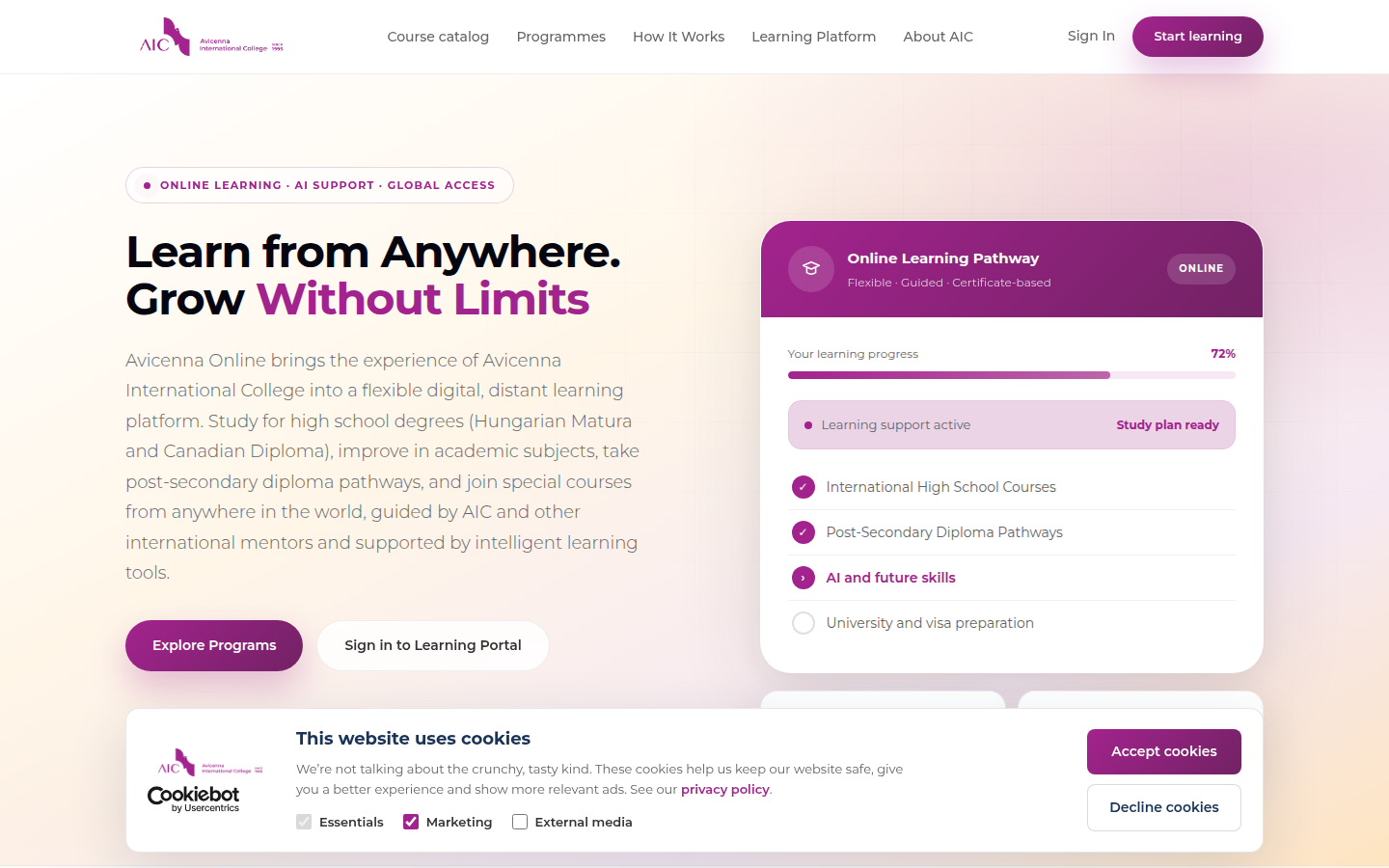
The marketing site explains programmes, mentorship, and how online study works at Avicenna International College.
Avicenna Online · Help
A practical walkthrough from your first visit to enrolled study — including the Learning Portal (lessons, highlights, AI assistant) and Canvas (grades and quizzes). No technical jargon; just what to click and when.
Explore before you register — no account required.
The marketing site explains programmes, mentorship, and how online study works at Avicenna International College.
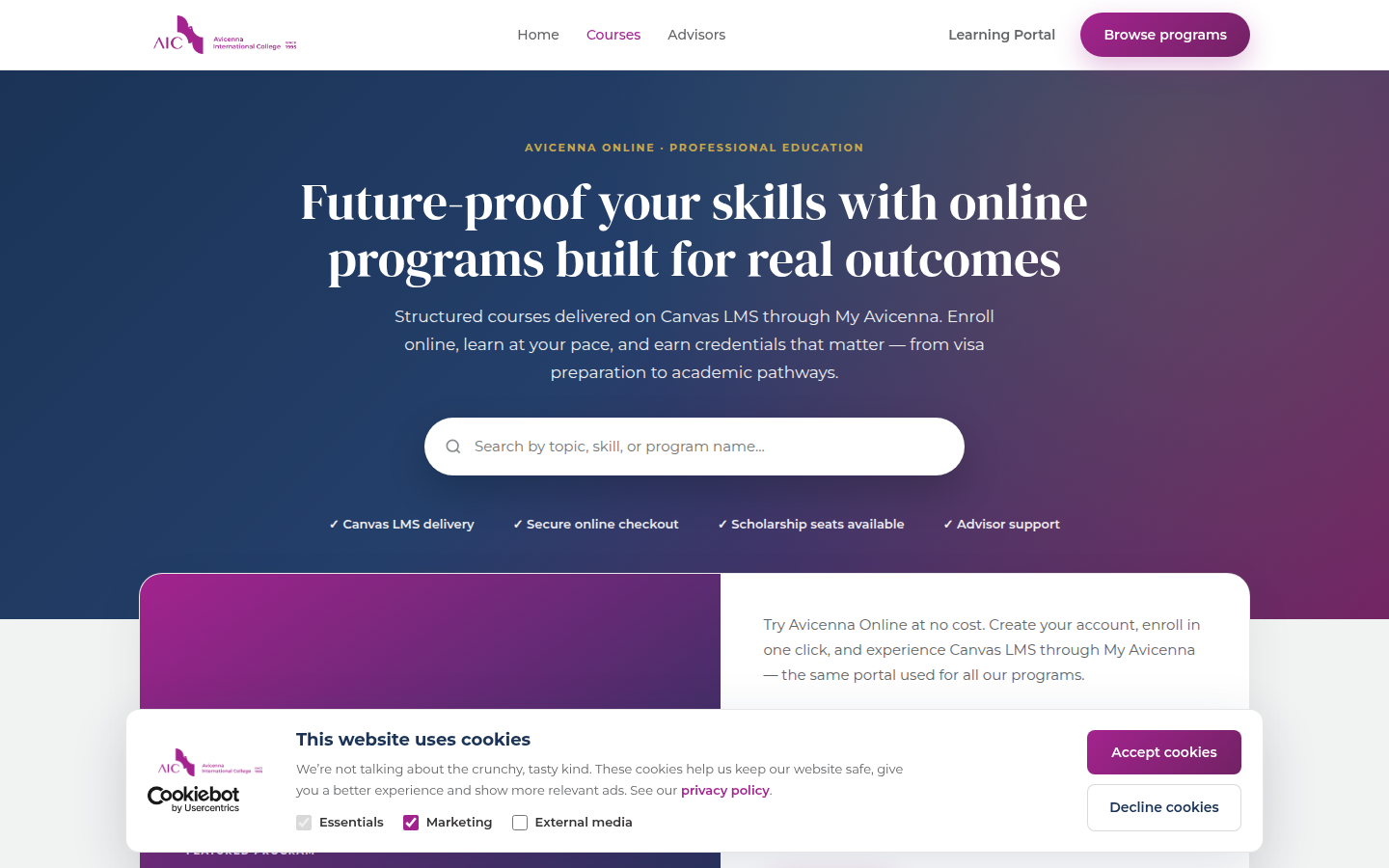
Compare Welcome (free), HSVSP (Hungarian student visa programme), pricing, duration, and what each includes.
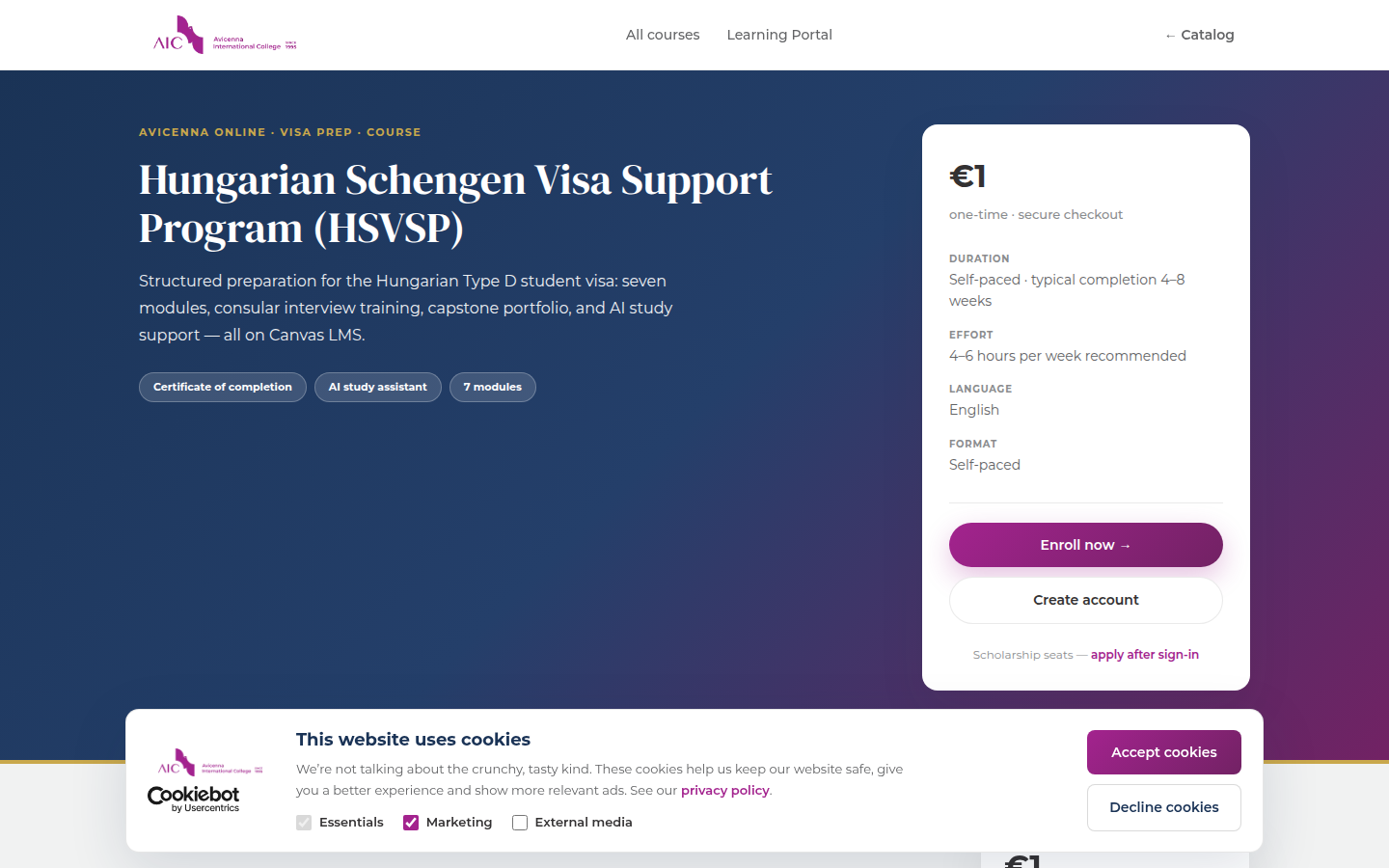
Read modules, outcomes, and FAQs. The Enroll button takes you to registration or My Avicenna if you already have an account.
One identity for the portal, Learning Portal, and Canvas.
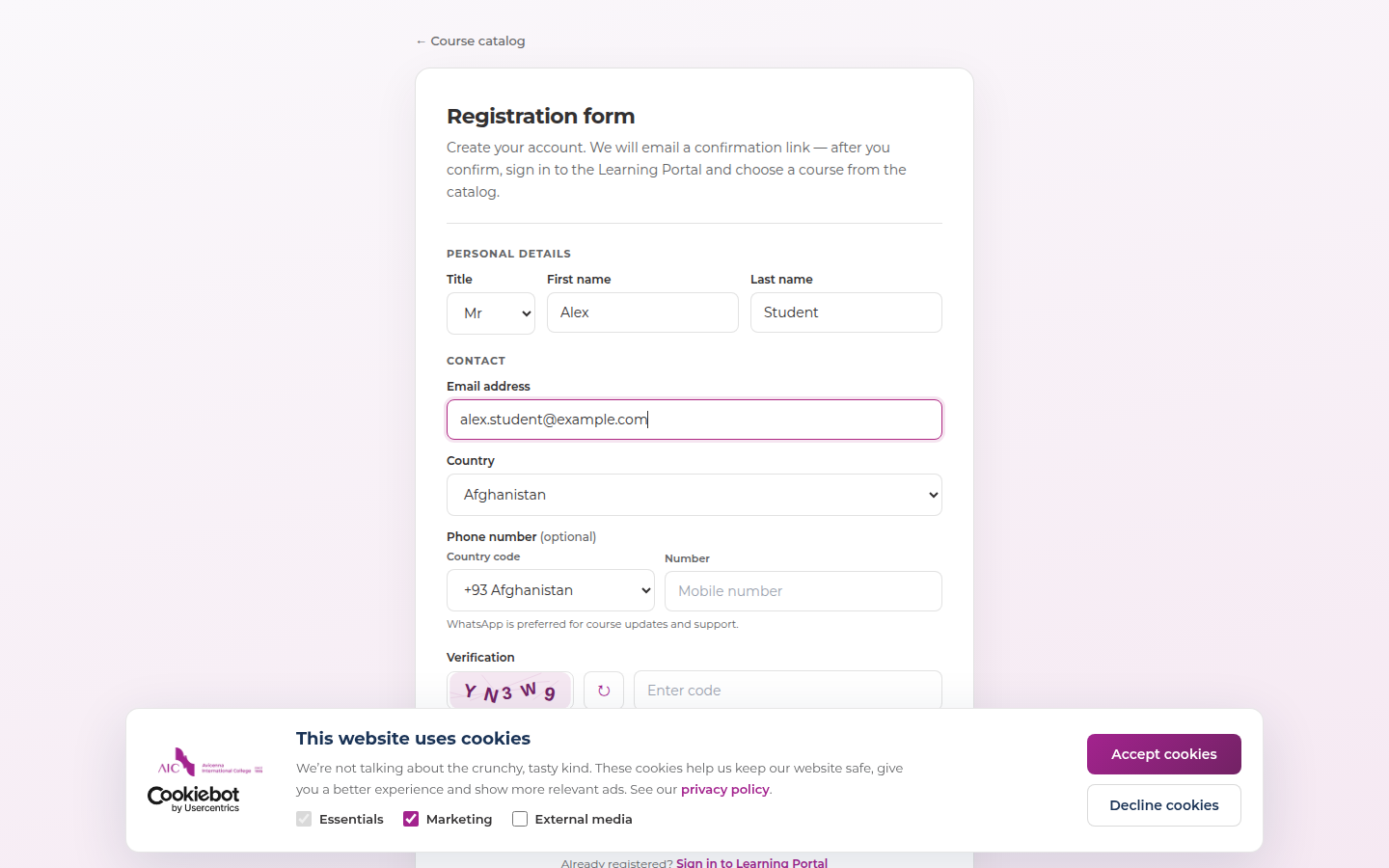
Complete the form with accurate details. You will receive a verification email — check spam if it does not arrive within a few minutes.
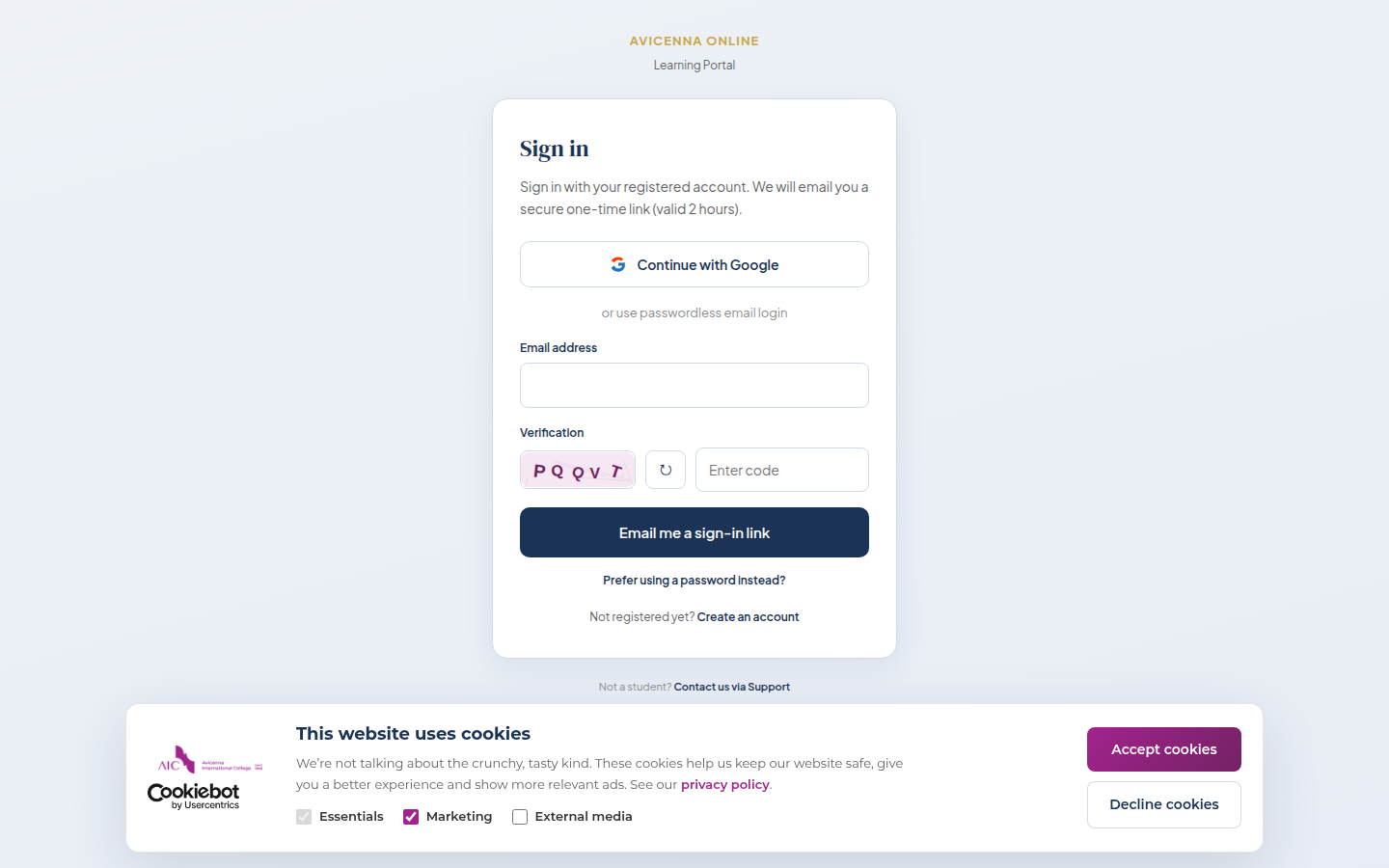
Choose Google OAuth, a one-time magic link, or email + password. Magic links are valid for two hours and single use.
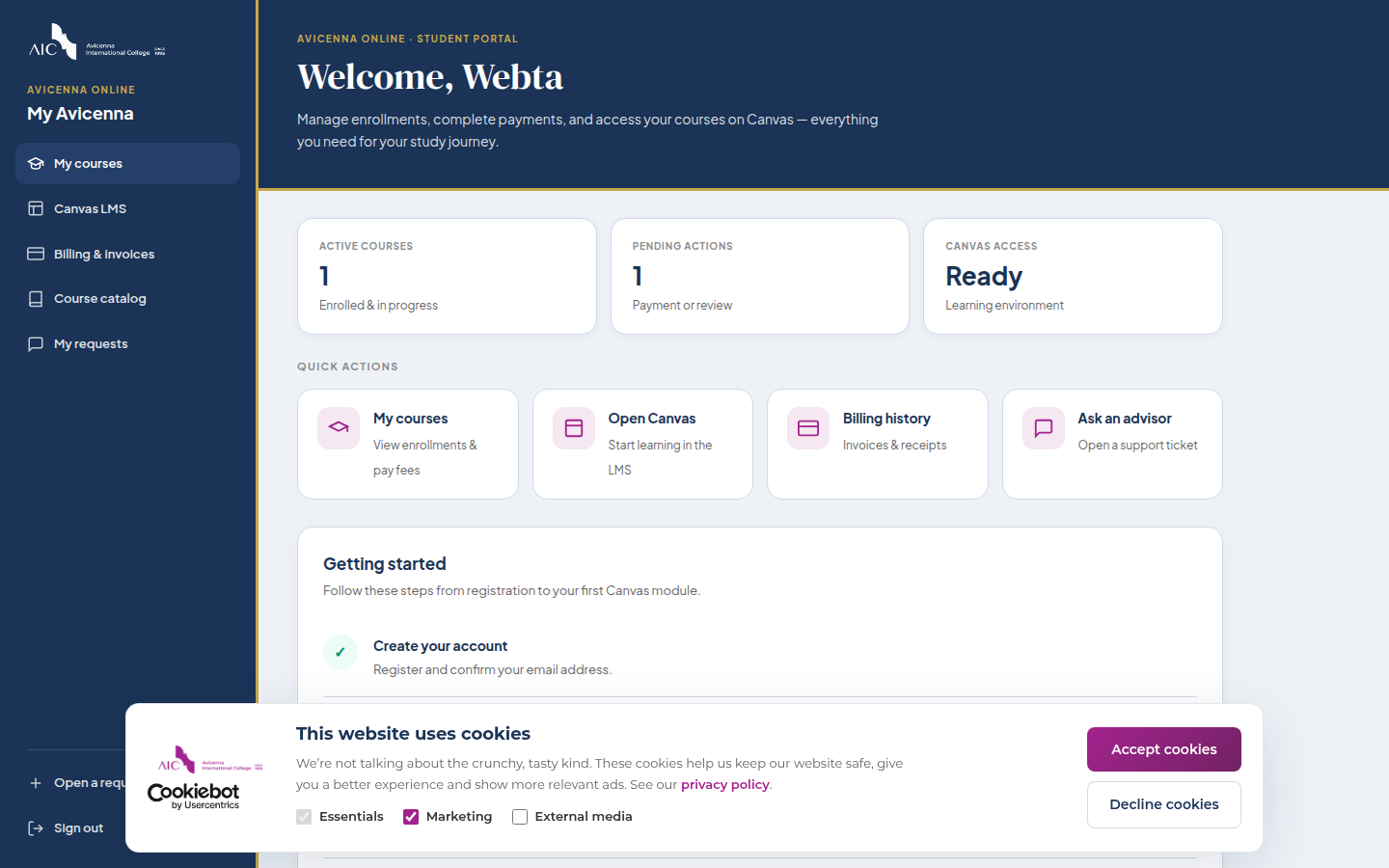
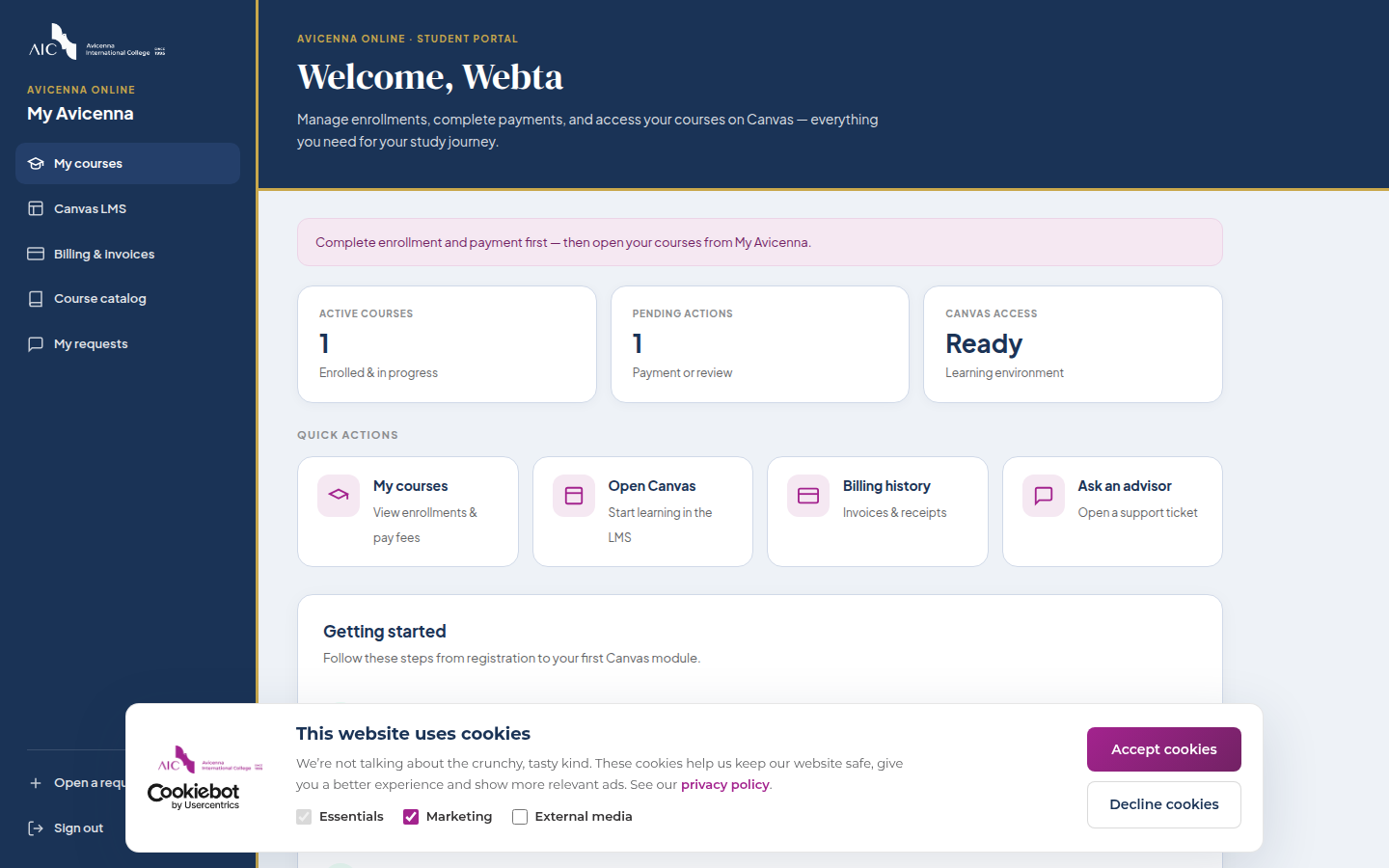
Your hub shows enrolled courses, payment status, Canvas access, support, billing, and links to the Learning Portal.
Unlock full access for paid programmes.
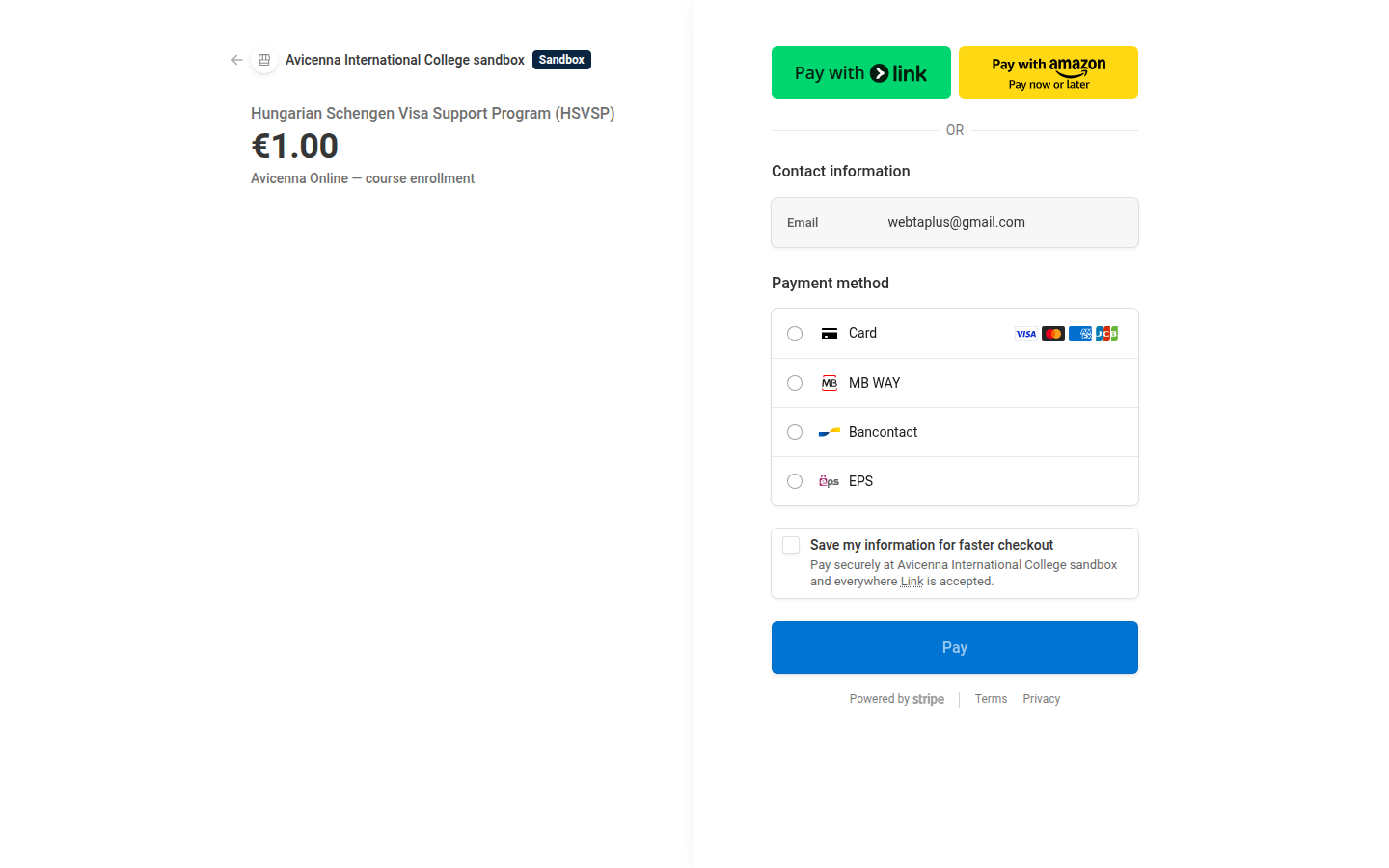
From the dashboard, enroll in HSVSP (or another paid course). Pay securely via Stripe. Invoices appear under Billing.
Read, highlight, listen, and use AI tools in one place.
Go to Learning Portal → expand your course in the sidebar → pick a module and section. Use Listen for text-to-speech and arrows for next/previous section.
AI Assistant (sidebar) opens full-page academic chat trained on course materials. NotebookLM opens Google’s notebook for HSVSP — sign in with the same Google account or email address you used to enroll.
Official LMS for quizzes, grades, and certificates.
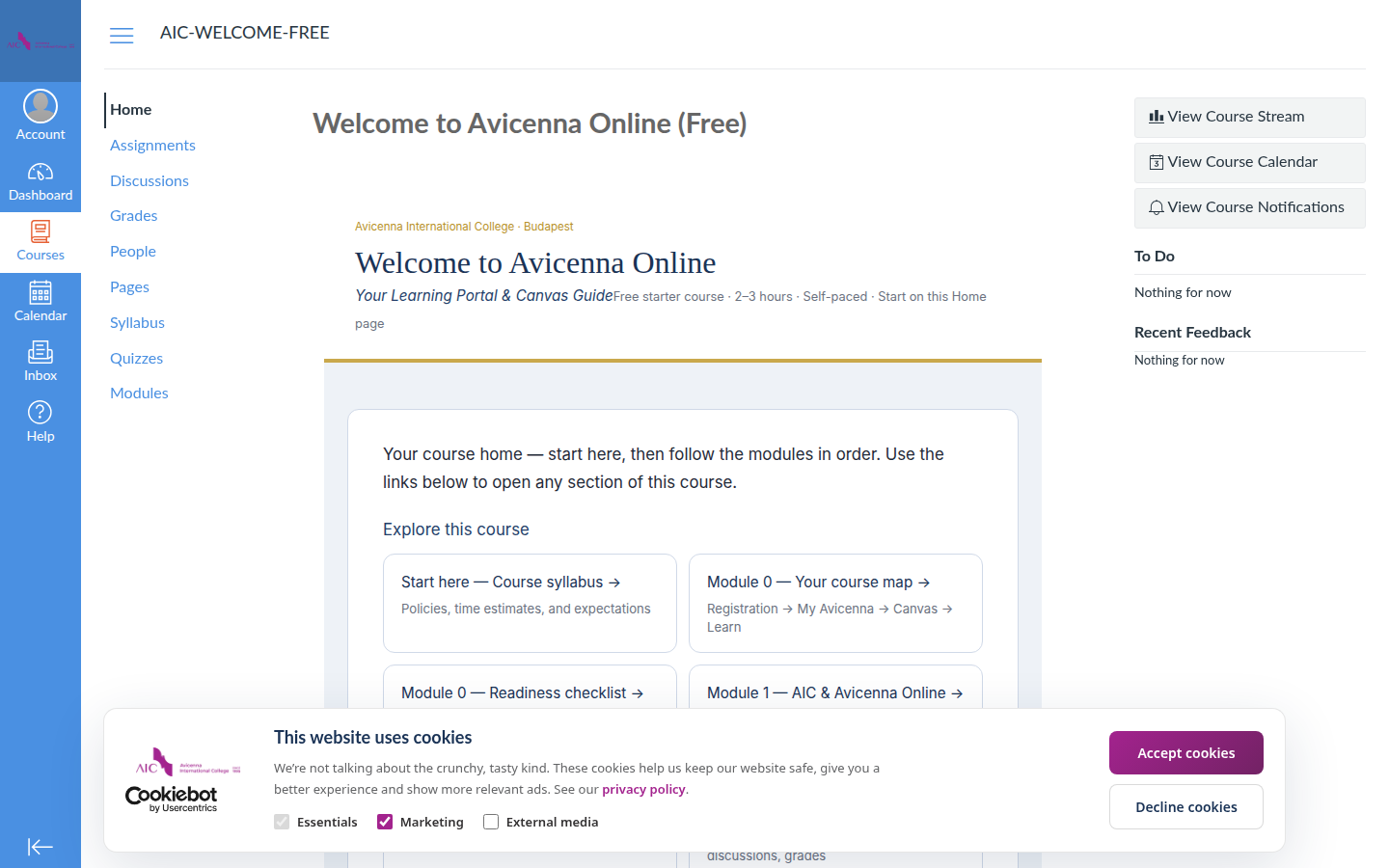
Canvas shows your course shell, modules, and assignments. Lesson pages embed the Learning Portal reader — you rarely read long text inside Canvas itself.
Support channels that actually work.
My Avicenna → Support. Describe the issue, course name, and screenshot if possible. Typical reply within one business day.
View payment history and download invoices from the Billing page after Stripe checkout.
For admission and account questions: admission@avicenna.hu · +36 30 823 7592
This User Guide walks you through registration, My Avicenna, the Learning Portal, and Canvas — in the order you will actually use them.